Webhook Logs
Path: Vayapin → Webhook Logs (left sidebar)
The delivery log of every webhook event VayaPin sent to your store. Use it when an event you expected (see Notifications tab) didn't seem to land, or when you're debugging endpoint errors.
Columns
| Column | Meaning |
|---|---|
| Timestamp | When the webhook was received. |
| Event type | One of the subscribed events (pin.address_updated, pin.created_at_checkout, pin.autofill_used, pin.optin_declined). |
| Webhook URL | The endpoint VayaPin posted to. Useful when you changed the URL recently — you can see which rows hit the old vs. new destination. |
| Status | Success or Failed. |
| Response | HTTP response code your endpoint returned. |
| Error | A short error message when Status = Failed; empty otherwise. |
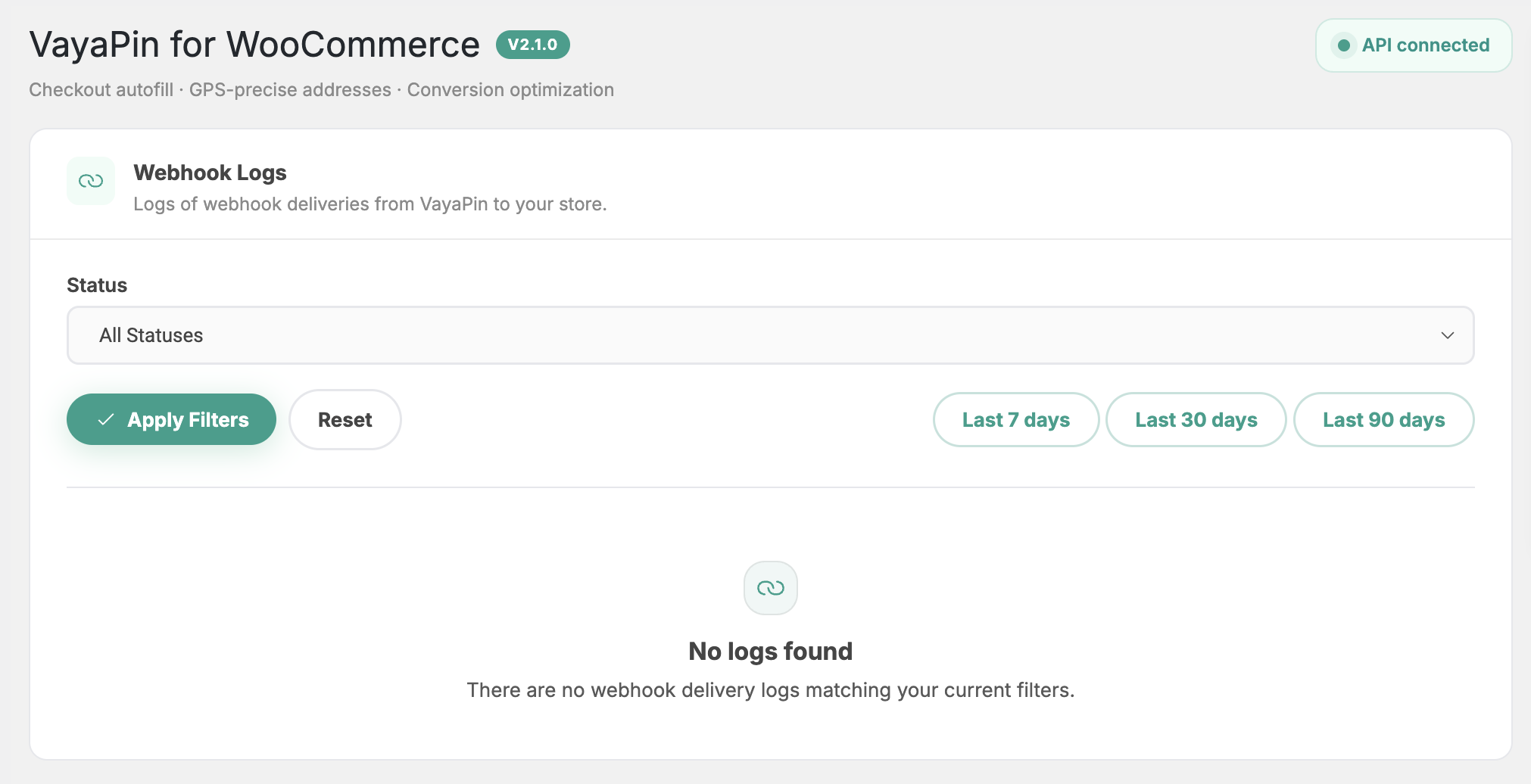
Filters
- Status — show only Success or only Failed rows.
- Date range — presets and custom range.
There's no per-event filter and no separate signature/payload-size filter — keep it simple.
Inspecting a delivery
Click any row to see the full row content laid out (timestamp, event type, URL, status, response code, error message). The plugin doesn't render request headers, raw JSON payload, or response body in the admin — for that level of detail check the receiving endpoint's own logs.
Clear all logs
A Clear all logs action in the page header opens a confirmation modal. There is no automatic retention — rows accumulate until you clear them manually. For long-term retention, export from the database directly before clearing.
Why a delivery failed
Common reasons for a Failed row:
- HTTP ≥ 400 from your endpoint — your handler returned an error. Check your application logs.
- Connection refused / timeout — endpoint URL is wrong, the server is down, or a firewall is blocking VayaPin's outbound IPs.
- Signature mismatch — the webhook secret on your VayaPin dashboard doesn't match the one configured in Notifications. Re-copy on both sides.