Delivery tab
Path: Vayapin → Settings → Delivery
Controls the QR delivery sticker shown on the WooCommerce order detail page for orders placed with a VayaPin code.
QR Delivery Sticker
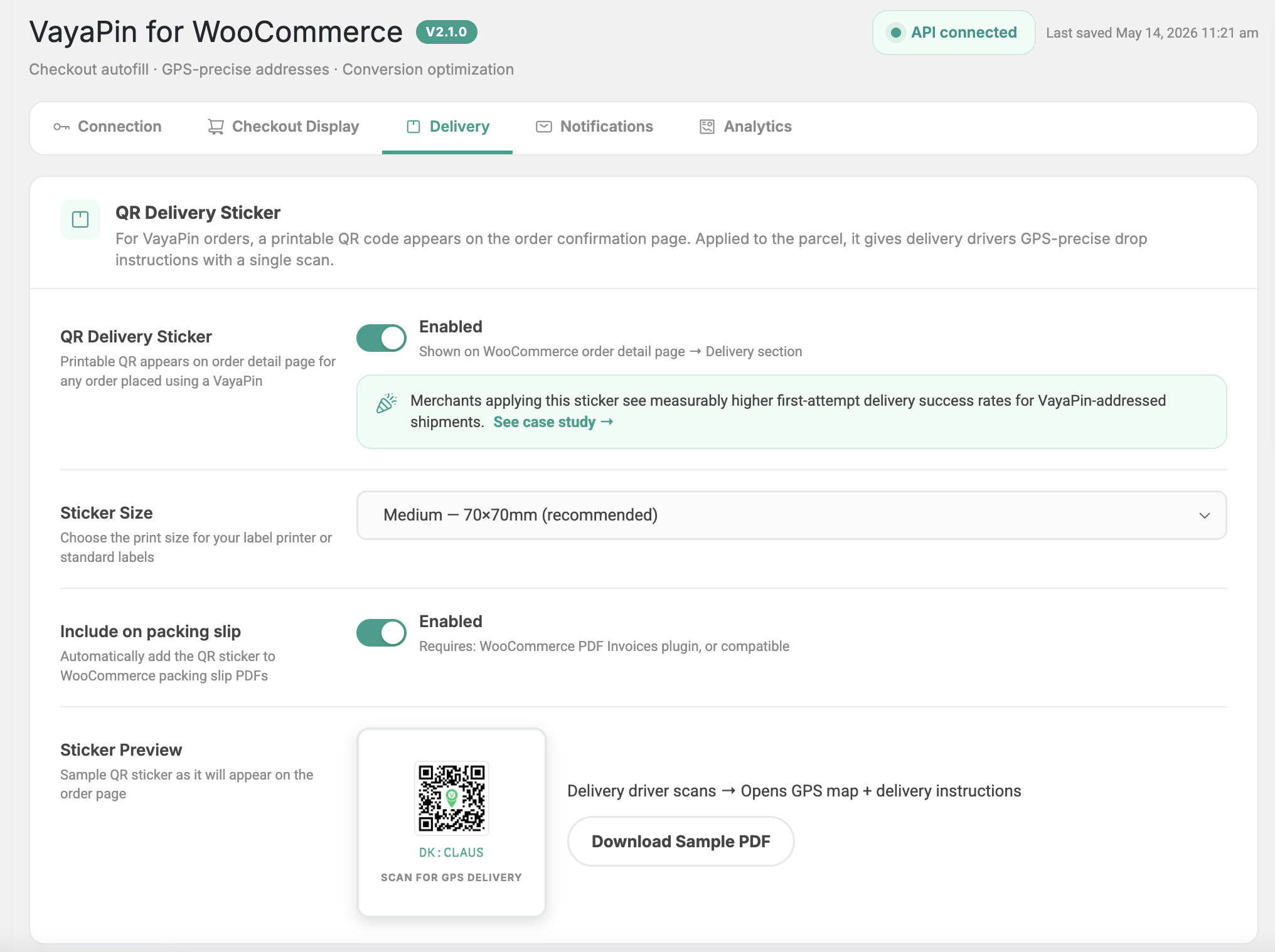
For VayaPin orders, a printable QR code appears on the order detail page. Applied to the parcel, it gives delivery drivers GPS-precise drop instructions with a single scan.
When the driver scans the QR, they're taken to a GPS map view of the drop location along with any entrance photos and custom instructions the customer attached to their VayaPin profile.
Enable QR Delivery Sticker
Master on/off toggle. When Enabled, the sticker is shown on the WooCommerce order detail page → Delivery section in WP admin (printable from there). It is not added to the customer-facing thank-you page.
Merchants applying this sticker see measurably higher first-attempt delivery success rates for VayaPin-addressed shipments.

Sticker Size
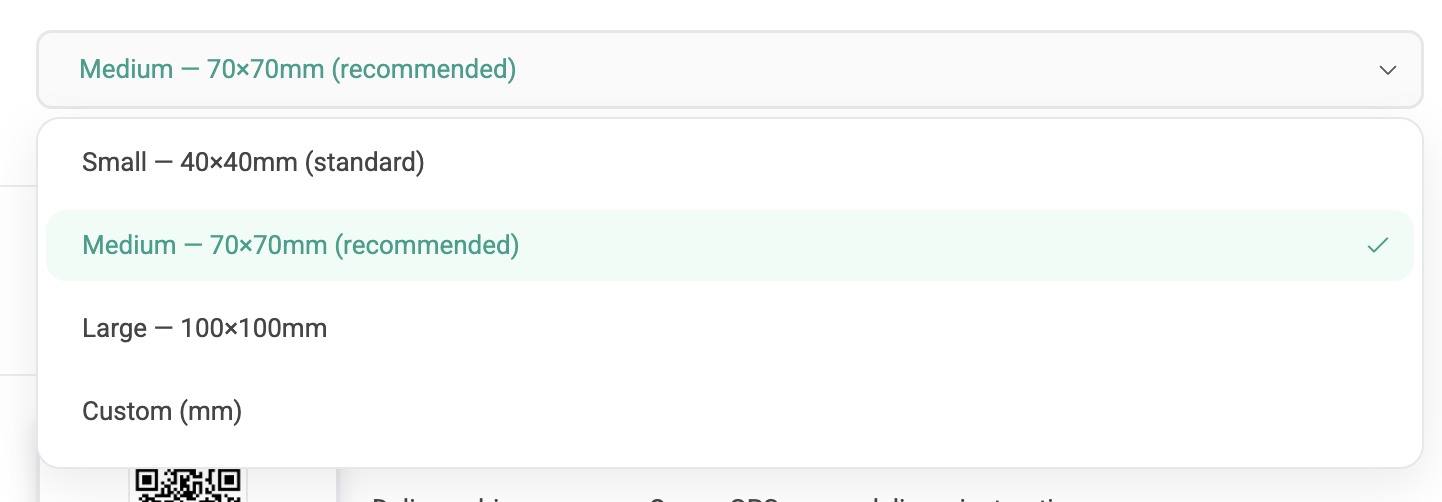
Pick a preset that matches your label printer, or set a custom size in millimetres.
| Preset | Dimensions | Use case |
|---|---|---|
| Small | 40 × 40 mm | Standard |
| Medium (recommended) | 70 × 70 mm | Most parcels, easy driver scan |
| Large | 100 × 100 mm | Pallets / oversize parcels |
| Custom | user-defined | Bespoke label stock |
For Custom, two fields appear: Width (mm) and Height (mm).
Include on packing slip
Adds the same QR onto the packing slip PDF.
Requires WooCommerce PDF Invoices, or a compatible packing-slip plugin that exposes the standard wpo_wcpdf hooks. Without one of these installed, this toggle has no effect.
Sticker Preview
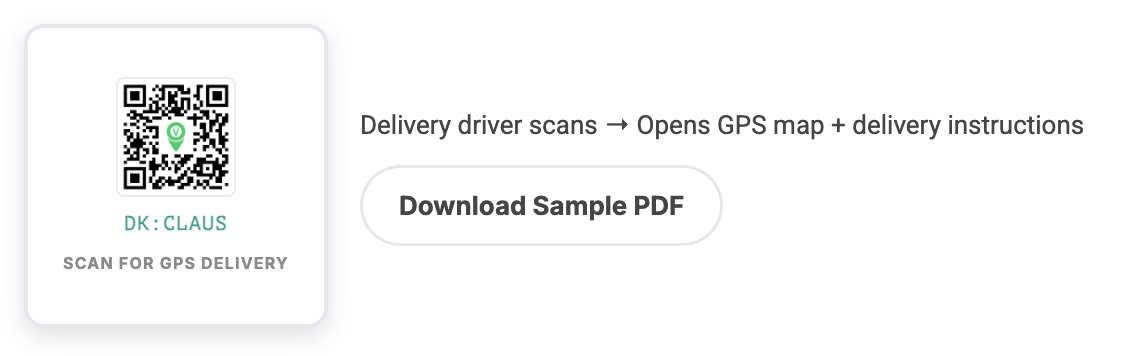
A live preview of the sticker at the chosen size with the label "Scan for GPS delivery" underneath. A Download Sample PDF button lets you run a test print on your label stock before going live.